



How to move beyond “monitoring” and start “empowering” using the MORE² Framework.
In 2020, because of the pandemic, Work From Home (WFH) was a desperate precautionary measure. But in 2026, it has become a Strategic Talent Differentiator. Yet, many Indian companies still struggle with it because they treat remote work as a “technicality” rather than a “cultural intervention.”
If your remote team is disengaged, it isn’t a problem with the “Home”—it’s a problem with the MORE² Diagnostic. Here is how we use our proprietary framework to build a WFH policy that actually works.
Work From Home – the need of the day

Precaution is better than cure. The preventive measures we take today will go a long way to protect not only as individuals but the company and the Indian economy on the whole.
Assessing the current situation in India, work from home looks like the only answer available to help out the deteriorating circumstances. In this blog, we have chalked out 7 important pointers that can help you facilitate your employees working from home and can be the basis of your work from home policy.
1. Bridge the gap between Management and Employees
Effective Communication is critical for employees and the smooth functioning of any organization. The communication lines can be disrupted once the employees start working from home in light of the Convid-19 current scenario. Human resources should ensure that the sync between the workforce and leadership is constantly maintained to service the customers both external and internal.
- The manager may not be accustomed to handling people remotely and responsiveness can get affected.
- Human Resources can provide options for various apps that can easily monitor responsiveness. Ready to use tools like Slack or video conferencing app can be adapted to enable an effective working atmosphere at home.
2. Tracking the time – Working hours for home

It needs to be communicated to the employees about the expectation here
- Are they supposed to ping the team when they are online? Or it’s not necessary to do so.
- What about cases where time is not being tracked in office currently using any tool. Would you start doing this for remote work?
The biggest trust-killer in WFH is the obsession with “Log-in Hours.” If you are tracking every minute, you are destroying Ownership.
-
The Strategy: Shift from “Time-Tracking” to “Outcome-Tracking.”
-
The Intervention: Use tools like Monday.com or Tick Spot to monitor project milestones rather than active screen time. Replace dry status emails with Video Conferencing “Stand-ups” to maintain alignment.
-
The Outcome: Clarity of Role (R) and Objective (O) creates a self-driven workforce that doesn’t need a “virtual babysitter.”
3. A carpenter is as good as his tools – provide good infrastructure support to ensure good work

Most offices are also well equipped with support staff for software maintenance and any other supplies required by the staff. But To make it feasible and comfortable for employees to work at home a new set of policies have to be implemented.
- Computer software, the internet and various other technologies that are mandatory should be facilitated to the employees. Most enterprise software has a web version so this is, in any case, feasible in today’s world.
- Pre-action will have to be taken to make sure the employees have access to all these facilities in advance to work in full power from home. Sometimes connectivity may not be great in certain locations. Or there could be disruption. A reliable backup strategy needs to be in place.
In a remote setup, if your employees are struggling with slow VPNs or outdated software, their Means (M) to perform are compromised, leading to immediate frustration.
-
The Strategy: Your policy must mandate Full-Stack Support.
-
The Intervention: Move beyond just providing a laptop. Ensure high-speed internet reimbursement and access to collaborative stacks like Slack, Trello, and Airtable.
-
The Outcome: When the Means are frictionless, the employee can focus entirely on the Objective (O).
4. Secure Login is important
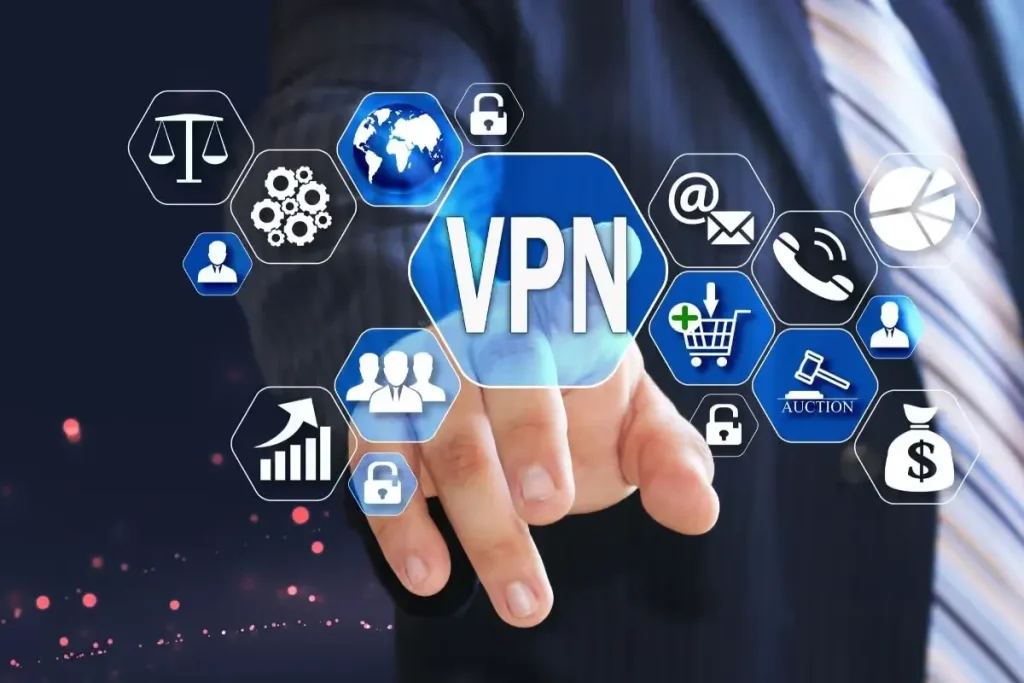
You don’t want to be in a situation where client data gets compromised. There is no guarantee on the type of network used by the employees at home. The security issue can be a concern here hence HR needs to take adequate measures to ensure the safety and security of the company while allowing the staff to work from home.
Security services like VPN can be installed on laptops or computers to protect the data of the company. Here are some of the most commonly used VPN options
- NordVPN – security and unblocking
- ExpressVPN -live chat support along with security
- Cyberghost VPN – good for beginners
- Private VPN – as the name suggests can be confidential
5. Are employees more productive when they are remote?
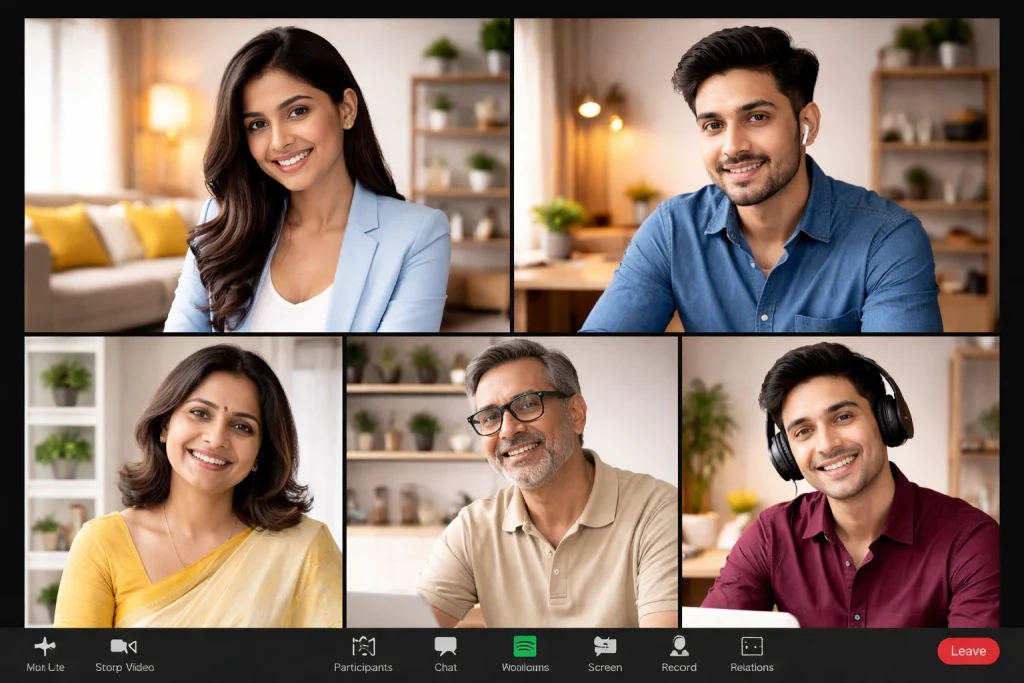
Time saved in travel, less number of meeting and office cross-talk. Employers, on the other hand, have a set notion that this freedom can be taken advantage of and will affect overall work.
But it is a fact that when it comes to brainstorming and more creative discussions, physical meetings are better. Even here, video conferencing solutions are trying to mimic actual physical meetings to the maximum extent possible.
There are various tools to help increase personal productivity and employees can be encouraged to use them.
- Evernote – This is nothing but like a post-it for you on your desktop or phone
- Todoist – keeps a check of what you have to do and reminds you just in time
- Syncbackfree – to back up, restore and synchronize all your work files.
There are a bunch of Tools that can facilitate Work from Home
- Rescue time – blocks any apps that waste your time.
- Toggle – to help track team productivity. Helps track how long it takes to complete a task.
- Trello – A task management tool that makes it easier for teams to complete projects.
- Airtable – An interface of spreadsheet management project-based.
- Doodle – Video calls and joint sessions made easy.
- Monday – A task management tool for complex projects and larger teams.
- Spark – E-mails made distraction-free for more focus and concentration at work to help complete the task on time.
- Process.st – A tool advised for non – technology companies.
- Zapier – automation for repetitive tasks.
- Slack – helps team communication and can be easily used in desktops and mobiles.
- Zoom – videos and voice calls.
- Google Drive – Everyone is well aware of this tool and cloud storage applications. Besides file sharing and collaboration can be used for effective communication.
- Chrome remote – screen share with teammates and freely access your data from any device.
The Execution Gap: From Rules to Results
A WFH policy is not just a document; it is a diagnostic of your company’s trust levels. At engage4more, we don’t just “give tips”—we help you re-engineer your remote culture to ensure that Money, Objective, Role, and Emotional Connect are all in perfect sync.
Is your WFH policy driving performance or just monitoring presence? Consult with our Strategy Team to run a MORE² diagnostic on your remote culture today.
Why Trust This Blueprint? (The engage4more EEAT Advantage)
Nishant Parashar, Founder of engage4more, is the architect of the MORE² framework and S.P.A.R.K.S. strategy. With two decades of experience managing large-scale human capital projects, he has seen first-hand how digital transformation only succeeds when paired with cultural alignment.
Through our proprietary digital IPs and diagnostic tools, we have helped over 5,000 brands bridge the gap between “Office” and “Home,” turning remote work into a measurable business ROI.
We execute these strategies through industry-leading digital IPs like Brain Bout and the Corporate Talent Championship (CTC). We also host the Good Gobar Show, exploring how leaders navigate the “gobar” (chaos) of the corporate world to find the “good.”
Ready to transform your workplace culture? Explore our master catalogue of over 2,000+ Premium Corporate Team Building Activities:
FAQs
Q1: How do we maintain “Culture” when everyone is working from home?
A: Culture is built through shared experiences, not shared office space. Use the Emotional Connect (E) pillar of MORE² to create virtual touchpoints—like Brain Bout quizzes or Corporate Talent Championship entries—that allow employees to express themselves beyond their job roles.
Q2: Will MORE² help reduce remote employee attrition?
A: Yes. Attrition usually happens when the Role (R) is unclear or the Money (M) doesn’t feel justified by the effort. By optimizing Means (M) and Objective (O), you reduce the “friction” of work, making the job more sustainable and rewarding.
Q3: How do we handle “Brainstorming” in a remote setup?
A: Use “Virtual Synergy Tools.” While physical meetings are great, tools like Zoom and Doodle can mimic the energy of a boardroom if the Objective (O) is clearly defined before the call starts.
Q4: Is a WFH policy a “one-size-fits-all” solution?
A: No. Every organization has different Means (M) and Roles (R). A technology company might focus on infrastructure, while a non-tech company might need tools like Process.st to manage repetitive workflows.
Q5: What is the ROI of a MORE² optimized WFH policy?
A: You measure ROI through reduced overhead costs, increased “Output-per-Head,” and higher “Pride in Workplace” scores on internal employee surveys.