




A Cyber security specialist’s guide to be safe in the virtual world
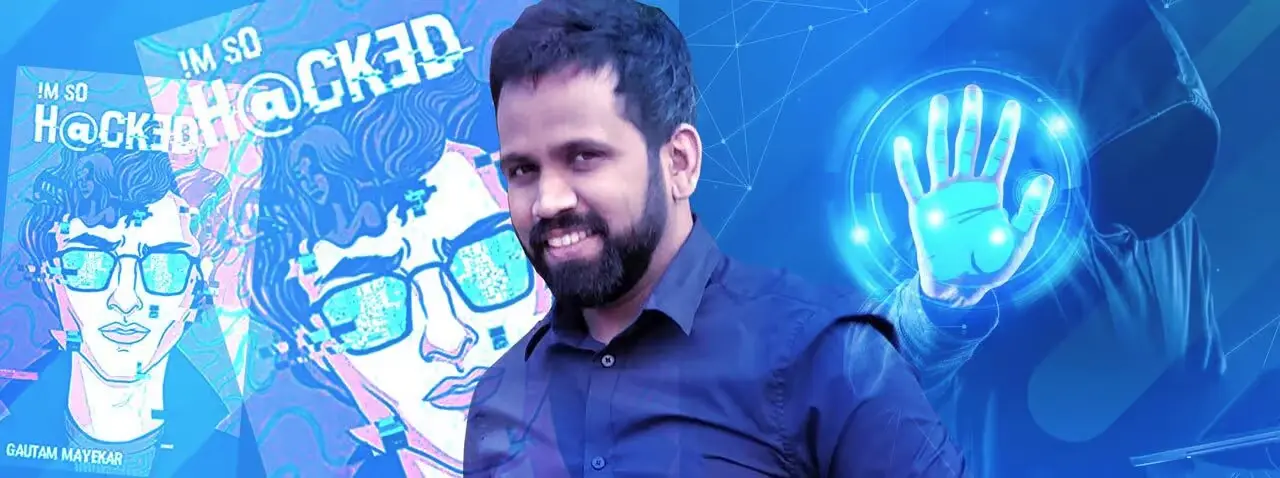
“Trust is the most vulnerable trait a human can have.” That line appears at the opening of I Am So Hacked, Gautam Mayekar’s debut cyber thriller. He wrote it under the pen name Imsohacked — and the reason he wrote it at all is the same reason he now speaks at corporate events across India.
Gautam Mayekar is available to speak at your corporate event on cyber security, digital safety, and the human vulnerabilities that technical defences cannot address. Browse his profile and check availability on our Gautam Mayekar speaker page.
Gautam is a Lead Security Engineer at John Deere and a Certified Ethical Hacker with 8 years of experience in the cyber security domain. In that time, he has seen every category of technical attack — but the ones that have consistently proven most damaging, he says, are not the sophisticated zero-day exploits that make headlines. They are the ones where the user does something ordinary: clicks a link, opens an email, logs in. The user’s action is the attack vector. And the user has no idea.
This guide covers the three most common web attacks that exploit your clicks — clickjacking, Cross-Site Request Forgery, and phishing — with Gautam’s explanation of how each works, the real-world organisations that have fallen victim, and the specific behaviours that protect you.
First: why your click is more powerful than you think


When you click a URL or button on any webpage, you trigger a chain of requests and responses — your browser reaching out to servers, those servers responding with data, that data being rendered as a page you can interact with. Most of the time, the server at the end of that chain is legitimate, the interface is genuine, and the response is what you expected.
But the front end — what you see and interact with — can be manipulated without your knowledge. An attacker who controls the user interface can make you click something you never intended to click, submit a form you never intended to submit, or authorise an action you never intended to authorise. The server trusts the request because it came from your authenticated session. You had no idea the request was made.
That is the core of the three attacks below. None of them require sophisticated technical exploitation of the server. All of them require only your click, your trust, and one moment of inattention. As Gautam puts it: “The most exploitable vulnerability in any system is the one sitting at the keyboard.”
The three attacks that exploit your clicks
1. Clickjacking
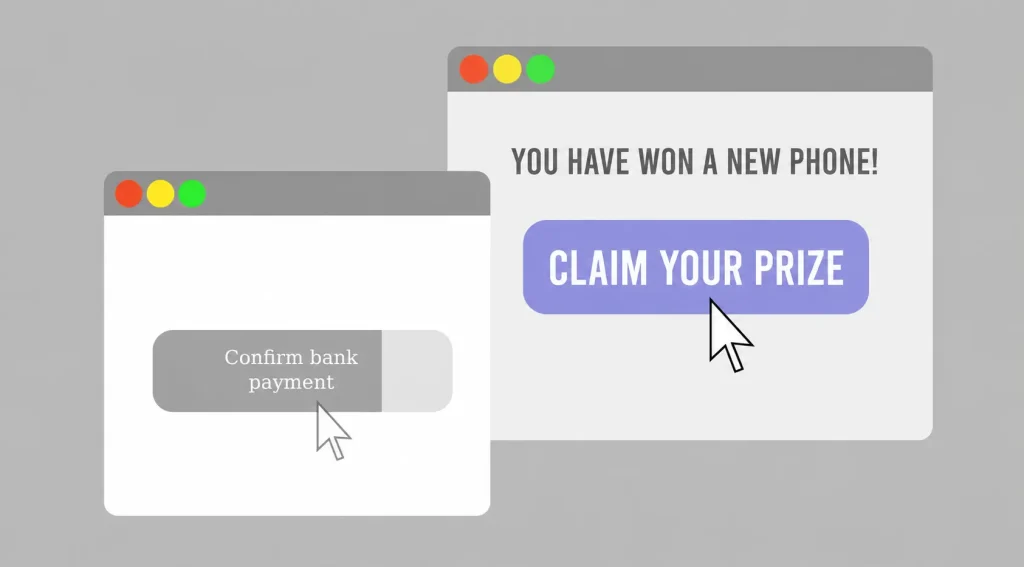
What it is: A technique where a malicious actor places an invisible or disguised element over a legitimate webpage button or link. When you click what you think is the real button, you are actually clicking the hidden element and triggering a different action entirely.
How it works: The attacker creates a transparent iframe (an invisible layer) positioned precisely over a legitimate button on a webpage you trust. When you click ‘Play Video’ or ‘Submit’, you are clicking the invisible iframe, which may be executing a completely different command — liking a page, following an account, granting permissions, or authorising a transaction.
Real-world example: In 2009, Facebook was hit by what became known as Likejacking — a form of clickjacking that caused users to inadvertently ‘like’ pages they had never seen. The invisible iframe was placed over content users thought they were clicking legitimately. The attack spread virally because each ‘like’ appeared on the user’s feed, drawing more users to click. Facebook patched the vulnerability, but variations of clickjacking have continued to appear across major platforms.
Gautam’s rule: Before clicking any button on an unfamiliar website, hover over it first. Check where the link actually points in your browser’s status bar. If a button looks legitimate but the URL it points to looks unexpected, do not click.

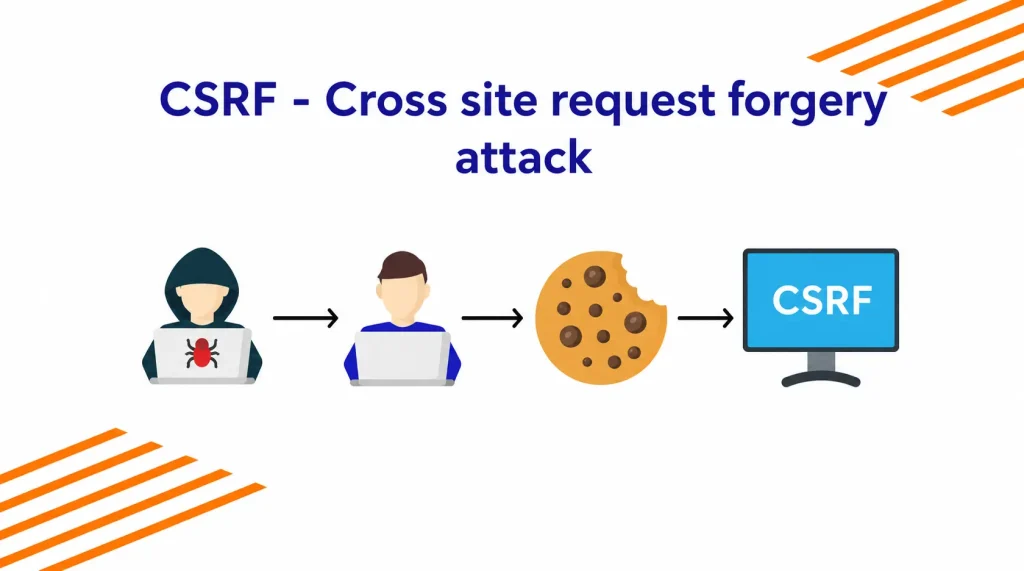
2. Cross-Site Request Forgery (CSRF)
What it is: An attack where a malicious website tricks your browser into making an unauthorised request to a web application you are currently logged into. Because you are authenticated, the application trusts the request — even though you never made it.
How it works: You log into your bank, then open a new tab and visit a malicious site. That site contains hidden code that fires a request to your bank’s servers, using your active session. The bank sees a valid authenticated request and executes it — transferring funds, changing your email address, or resetting your password — while you are looking at an entirely different page. You may not discover what happened until your next login.
Real-world example: Netflix and YouTube have both been documented as historical CSRF victims. In Netflix’s case, researchers found that attackers could add DVDs to a victim’s queue, change their email address, and alter their account details — all silently, in the background, while the victim was authenticated and browsing elsewhere. Netflix patched the vulnerability after responsible disclosure.
Gautam’s rule: Always log out of sensitive applications (banking, email, corporate tools) before visiting other websites in the same browser session. Better still, do your banking in a dedicated browser that you do not use for general browsing. This eliminates the authenticated session that CSRF exploits.

3. Phishing
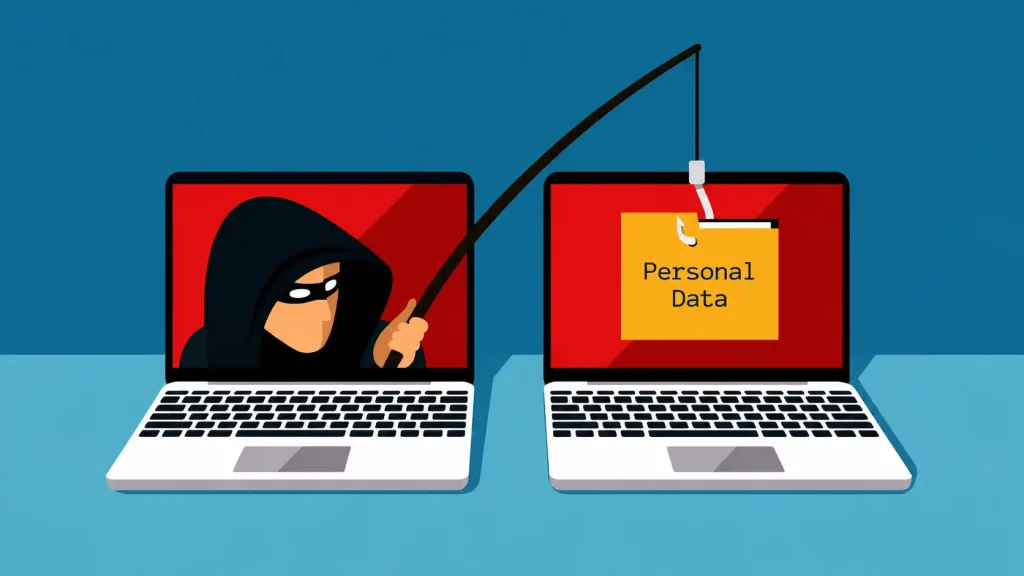
What it is: A social engineering attack where an attacker creates a fraudulent version of a legitimate website or communication to steal credentials, financial information, or other sensitive data from users who believe they are interacting with the real thing.
How it works: The attacker registers a domain that looks nearly identical to a legitimate one — Indigo.com becomes !ndigo.com, or PayPal.com becomes PayPaI.com (capital i instead of lowercase L). They create an exact visual copy of the legitimate site’s login page and send targeted emails directing users to it. Users who do not check the URL carefully enter their credentials on the fake page — and the attacker captures them in real time.
Real-world example: Phishing is by far the most common attack performed by cybercriminals and accounts for the majority of credential theft incidents worldwide. In India, phishing campaigns regularly impersonate HDFC, SBI, IRCTC, and government tax portals (Income Tax, GST). A study found that phishing attacks in India increased by over 50% following the acceleration of digital payments. The campaigns become more sophisticated every year, with some now using AI-generated voice calls (vishing) that sound indistinguishable from real bank representatives.
Gautam’s rule: If an email or SMS asks you to click a link and log in, do not use the link. Open a new browser tab and navigate directly to the organisation’s official website. The few extra seconds this takes have prevented more data breaches than any other single habit.

What organisations should be doing — the technical defence layer
The three attacks above are well-documented and well-understood in the security community. Defences exist. The question is whether they have been implemented — and whether the organisation knows to check.
Against clickjacking
Web applications should include the X-Frame-Options: DENY header in their HTTP responses. This header tells browsers not to render the page inside an iframe — eliminating the invisible overlay mechanism that clickjacking requires. Modern browsers also support the Content-Security-Policy: frame-ancestors ‘none’ directive, which provides equivalent protection. These are server-side configuration changes that a developer can implement in a few hours.
Against CSRF
The standard defence is CSRF token implementation — a unique, unpredictable value included in every form submission and verified by the server. Because the malicious site cannot access the token (it is session-specific and not accessible cross-origin), it cannot generate a valid request. Double-submit cookie patterns and SameSite cookie attributes provide additional protection layers. For sensitive actions (changing passwords, transferring funds, modifying account details), adding a confirmation step — ‘Do you really want to change your password?’ with re-authentication — provides a second defensive layer.

Against phishing
Technical defences include email authentication protocols (DKIM, SPF, and DMARC) that verify the sender’s domain is legitimate. Organisations should also enable multi-factor authentication across all systems — even if credentials are stolen via phishing, the attacker cannot access the account without the second factor. Browser-based phishing detection, now built into most major browsers, provides a front-line warning against known phishing domains.
What you, as a user, should do — the six habits


Technical defences protect the system. They cannot protect a user who does not practice basic digital hygiene. Gautam’s six user-side rules are specific, memorable, and cost nothing to implement.
- Check the URL before you click. Hover over any link to see its destination in the browser status bar. Look for subtle misspellings — !ndigo.com, PayPaI.com, 1ndiGo.com. If anything looks off, do not click.
- Verify before you provide. If an email or SMS asks you to click a link or provide information, search for the organisation’s official website independently and navigate there directly. Never use a link provided in an unsolicited communication.
- Separate your banking from your browsing. Use a dedicated browser exclusively for banking and financial transactions. Never use that browser for general web browsing. This eliminates the authenticated-session attack surface that CSRF requires.
- Never reveal OTPs, passwords, or PINs over any channel. Legitimate banks, government agencies, and service providers never ask for OTPs over phone calls or emails. If someone claims to need your OTP to ‘verify your account’, it is an attack. End the call.
- Look for garbled URLs in communications. Phishing URLs often contain character substitutions that are easy to miss at speed: the number 1 instead of the letter l, a capital I instead of a lowercase l, .co instead of .com. Read URLs character by character before entering credentials.
- Enable multi-factor authentication everywhere it is available. If your credentials are stolen via phishing, MFA is the single most effective backstop. An attacker with your username and password cannot access your account without your second factor.
Why Gautam Mayekar takes this to corporate stages
Gautam writes cyber thrillers — I Am So Hacked and We Are So Hacked — because he has found that fiction does something technical training cannot: it makes the attacker’s perspective viscerally real. When you read a story told from inside a hacking operation, the abstract vulnerability becomes a human scenario. You understand not just what could happen but how someone would actually do it to you.
That is the same instinct that drives his corporate speaking. The employees most likely to click on a phishing email are not the least intelligent people in the room — they are the most tired, the most hurried, the most contextually overloaded. Cyber security training that treats human error as a failure of knowledge misses the point. Human error is a feature of human cognitive architecture. The solution is not more information — it is habits, and the specific moments when habits override instinct.
At engage4more, we apply the STRIVE framework to every speaker recommendation. For Gautam, the ‘R’ criterion — Relevance — is particularly clear: in 2026, every organisation in India has employees handling sensitive digital assets daily, and the number of cyber incidents linked to human behaviour is increasing annually. His sessions are not abstract awareness talks. They are practical habit-change sessions delivered by someone who has spent 8 years finding exactly how these attacks work in real organisational environments.
He is available for corporate cyber security awareness events, leadership sessions on digital risk, technology conferences, and annual days where digital safety is a theme. Browse availability and session formats on his speaker profile page.
Considering Gautam Mayekar for your next corporate cyber security event or annual day? Browse his full profile, session formats, and availability on his speaker page. Contact engage4more for a transparent fee quote within 3 hours. Since 2010, 5,000+ events across India.
Frequently asked questions about Gautam Mayekar and cyber security
What is clickjacking?
Clickjacking is a web attack where a malicious actor places an invisible element over a legitimate page button or link. When you click what appears to be the real button, you are actually clicking the hidden element and triggering an unintended action — such as liking a page, granting permissions, or authorising a transaction. The user is unaware of what happened. It can be prevented by web applications using X-Frame-Options headers in their HTTP responses.
What is the difference between phishing and CSRF?
Phishing tricks you into voluntarily providing information or credentials to a fake site you believe is legitimate. CSRF tricks your browser into automatically sending an authenticated request to a real site you are already logged into, without your knowledge. Phishing requires you to take an active step on a fake interface. CSRF operates silently in the background using your existing authenticated session. Both can be active simultaneously — a phishing email may deliver a CSRF payload.
Who is Gautam Mayekar and what does he speak about?
Gautam Mayekar is a Pune-based cyber security professional and keynote speaker with 8+ years of experience as a Lead Security Engineer at John Deere. He is a Certified Ethical Hacker and the author of the Hacker Series (I Am So Hacked, We Are So Hacked). His corporate sessions cover cyber security awareness, the human vulnerabilities that technical defences cannot address, and practical digital safety habits for employees and leadership teams. He is available to book through engage4more at this link.